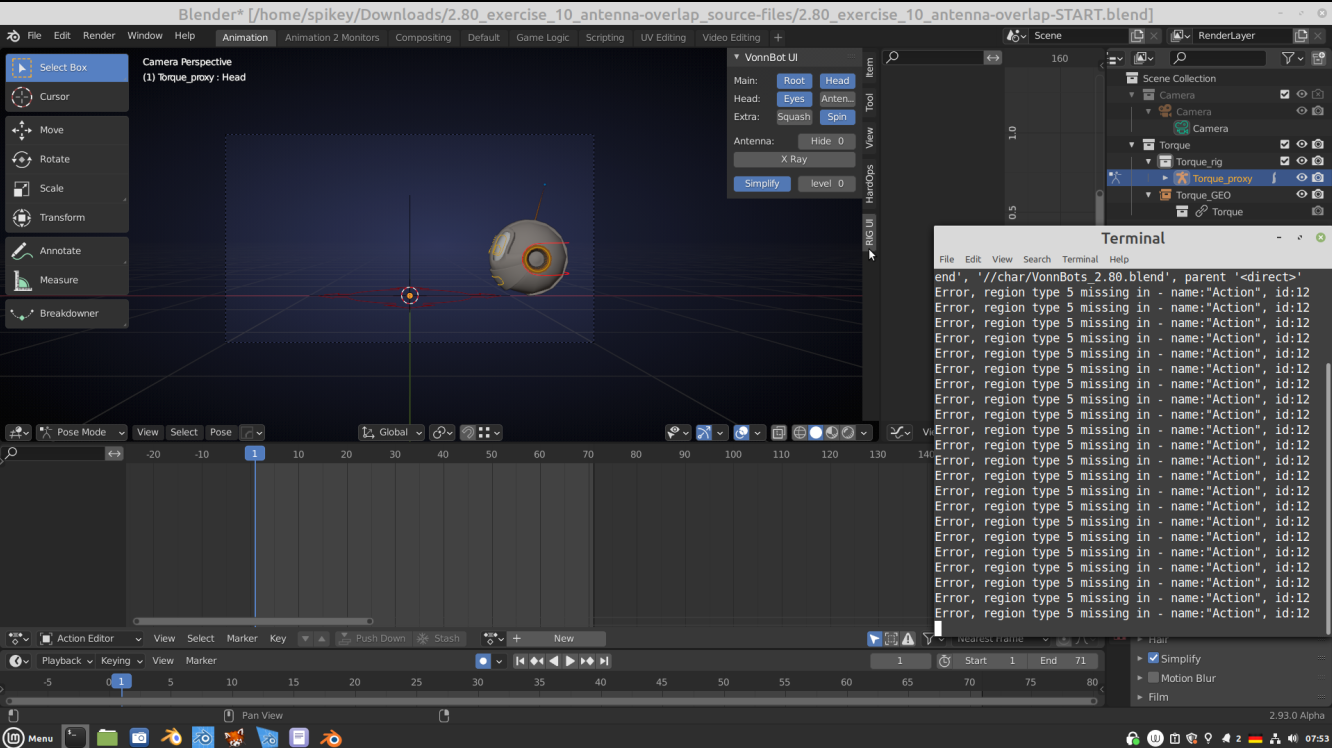
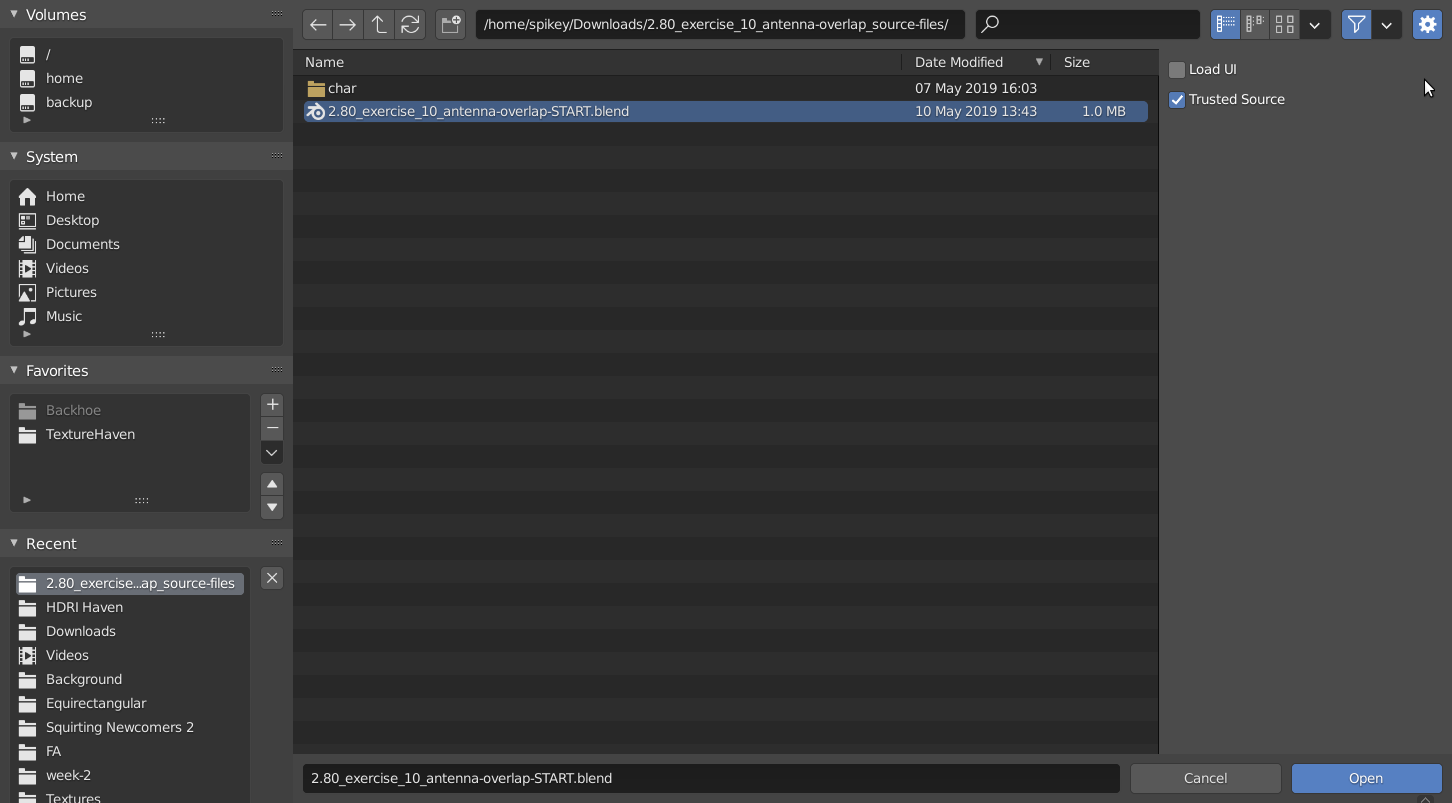
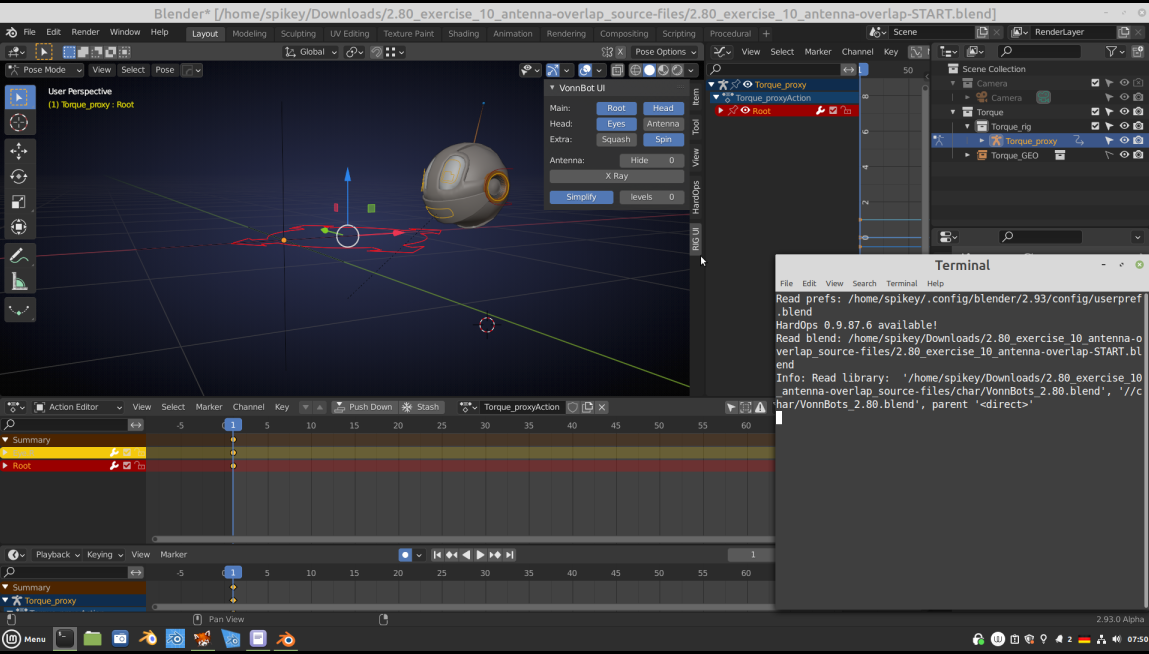
Not the solution to my problem as it still fails:
* - For others doing the course and having the same Blender 2.92.+ problems as me, you can get the Long Term Support LTS version of Blender 2.83.12 here:
https://www.blender.org/download/Blender2.83/blender-2.83.12-windows64.zip
Note that there is may be bug fix incremental releases to the LTS Blender 2.83.+ release.
Look here:
Long-term Support — blender.org
*****
So then I will try Blender 2.79b Standalone then located at
Index of /release/Blender2.79/
Blender 2.79 works; am I suppose to have some addon enabled in the later versions perhaps?
*****
The Rig UI is not being shown. Why is this happening? I have Blender 2.92.0. I clicked on "Allow Execution of Scripts".
Is it because the Windows 10 path is too long? I did have to shorten "exercise" in the file name to "ex" already/
*****
Read blend: //CG Cookie\Blender\Animation\Animation in Blender\02) Animation Essentials with Wayne Dixon\b) Blender Animation Bootcamp\source-files\chapter05_VonnBots_2.80\ex_10_antenna-overlap_source-files\char\VonnBots_2.80.blend
scripts disabled for "//CG Cookie\Blender\Animation\Animation in Blender\02) Animation Essentials with Wayne Dixon\b) Blender Animation Bootcamp\source-files\chapter05_VonnBots_2.80\ex_10_antenna-overlap_source-files\char\VonnBots_2.80.blend", skipping 'animation_vonnbot_280.py'
Read blend: //CG Cookie\Blender\Animation\Animation in Blender\02) Animation Essentials with Wayne Dixon\b) Blender Animation Bootcamp\source-files\chapter05_VonnBots_2.80\ex_10_antenna-overlap_source-files\char\VonnBots_2.80.blend
*****
Another example
*****
Read blend: //CG Cookie\Blender\Animation\Animation in Blender\02) Animation Essentials with Wayne Dixon\b) Blender Animation Bootcamp\source-files\chapter05_VonnBots_2.80\ex_10_antenna-overlap_source-files\2.80_ex_10_antenna-overlap-START.blend
Info: Read library: '//CG Cookie\Blender\Animation\Animation in Blender\02) Animation Essentials with Wayne Dixon\b) Blender Animation Bootcamp\source-files\chapter05_VonnBots_2.80\ex_10_antenna-overlap_source-files\char\VonnBots_2.80.blend', '//char/VonnBots_2.80.blend', parent '<direct>'
Error, region type 5 missing in - name:"Action", id:12
scripts disabled for "//CG Cookie\Blender\Animation\Animation in Blender\02) Animation Essentials with Wayne Dixon\b) Blender Animation Bootcamp\source-files\chapter05_VonnBots_2.80\ex_10_antenna-overlap_source-files\2.80_ex_10_antenna-overlap-START.blend", skipping 'animation_vonnbot_280.py'
Read blend: //CG Cookie\Blender\Animation\Animation in Blender\02) Animation Essentials with Wayne Dixon\b) Blender Animation Bootcamp\source-files\chapter05_VonnBots_2.80\ex_10_antenna-overlap_source-files\2.80_ex_10_antenna-overlap-START.blend
*****
In the mean time I will retry in the root file system of the system disk.
OK, so I tried that to no avail. Also I've found if I have the 'system console' shown on the screen, load the animation_vonnbots_280.py and click the 'run' play arrow in the text window Blender stops responding.
I guess I need to report a bug to Blender Foundation? Or is there a '2.8.+ blend file to 2.9.+ blend file' upgrade process I should be doing to be trying these VonnBot resource animation lessons?
So that done, I will download, install & try again with a separate Blender 2.8.+ install.
Thanks.