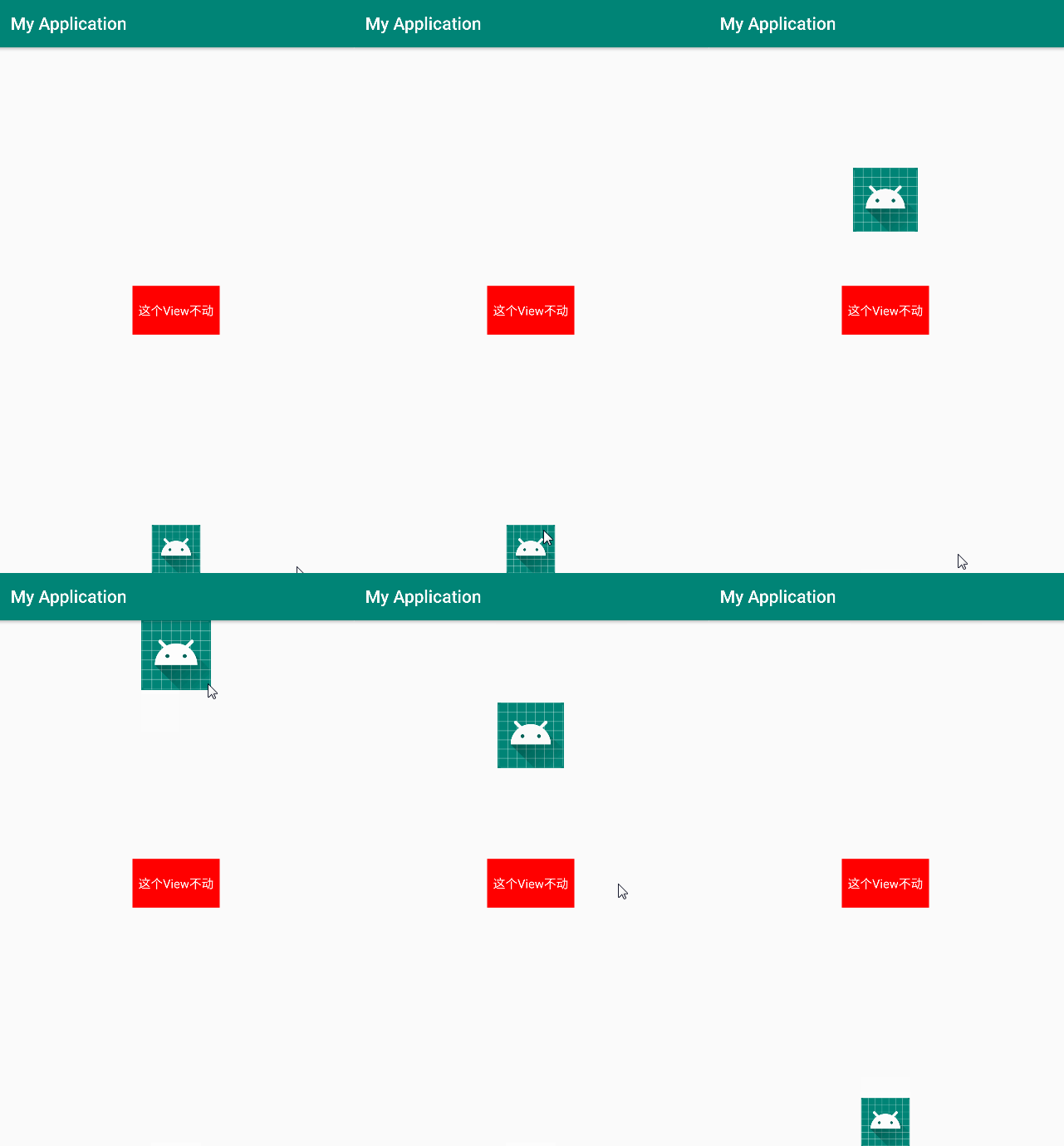
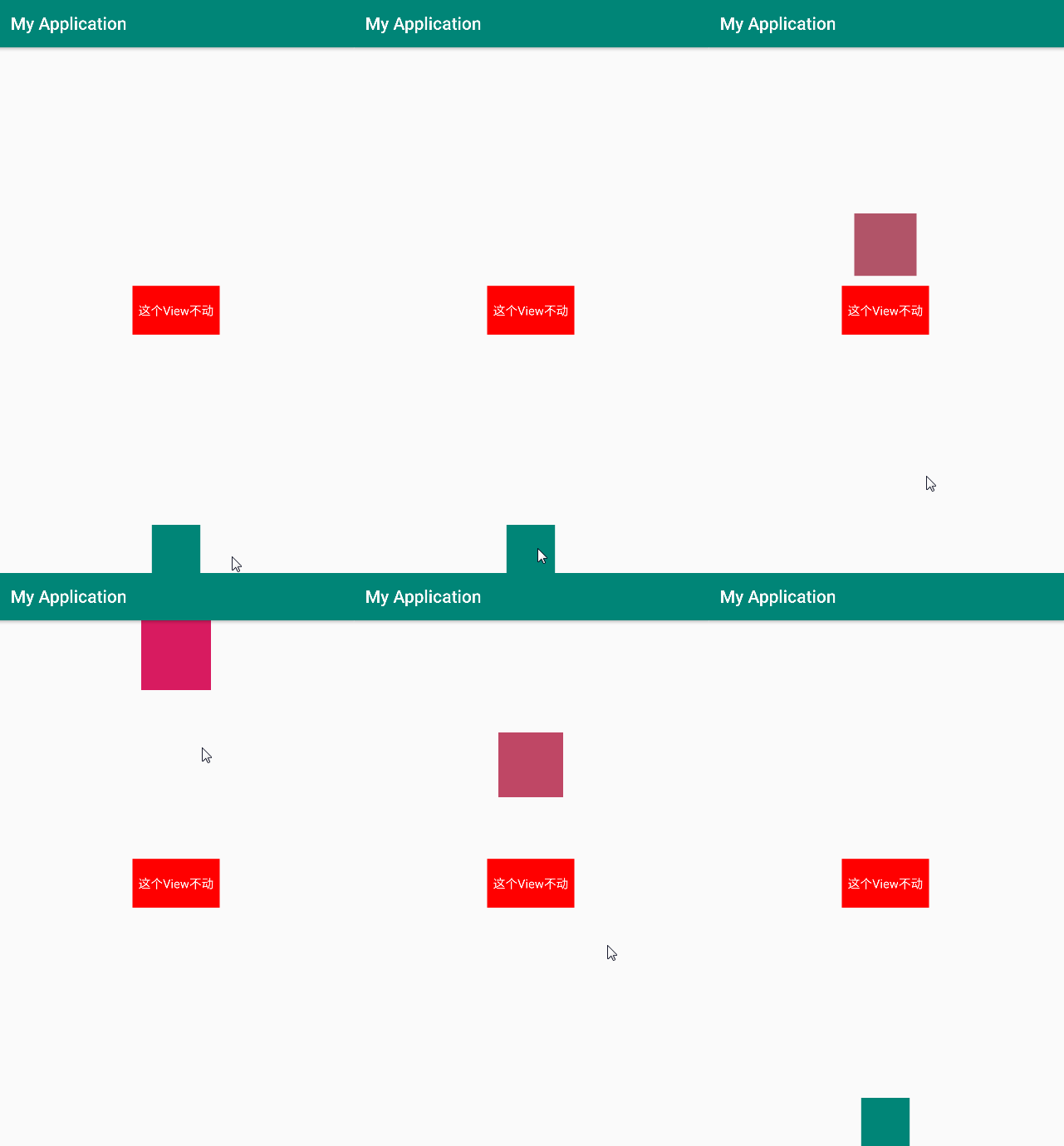
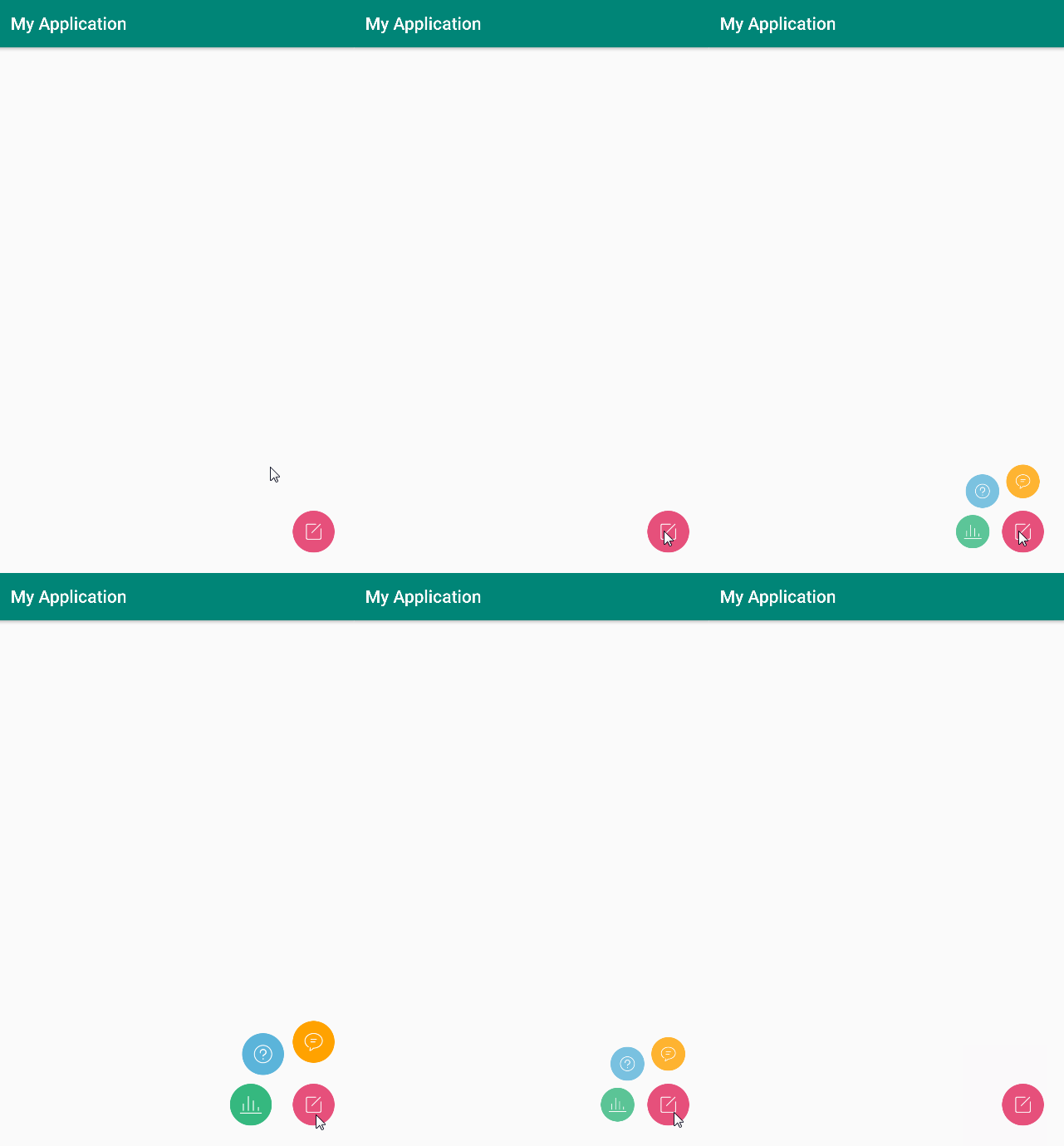
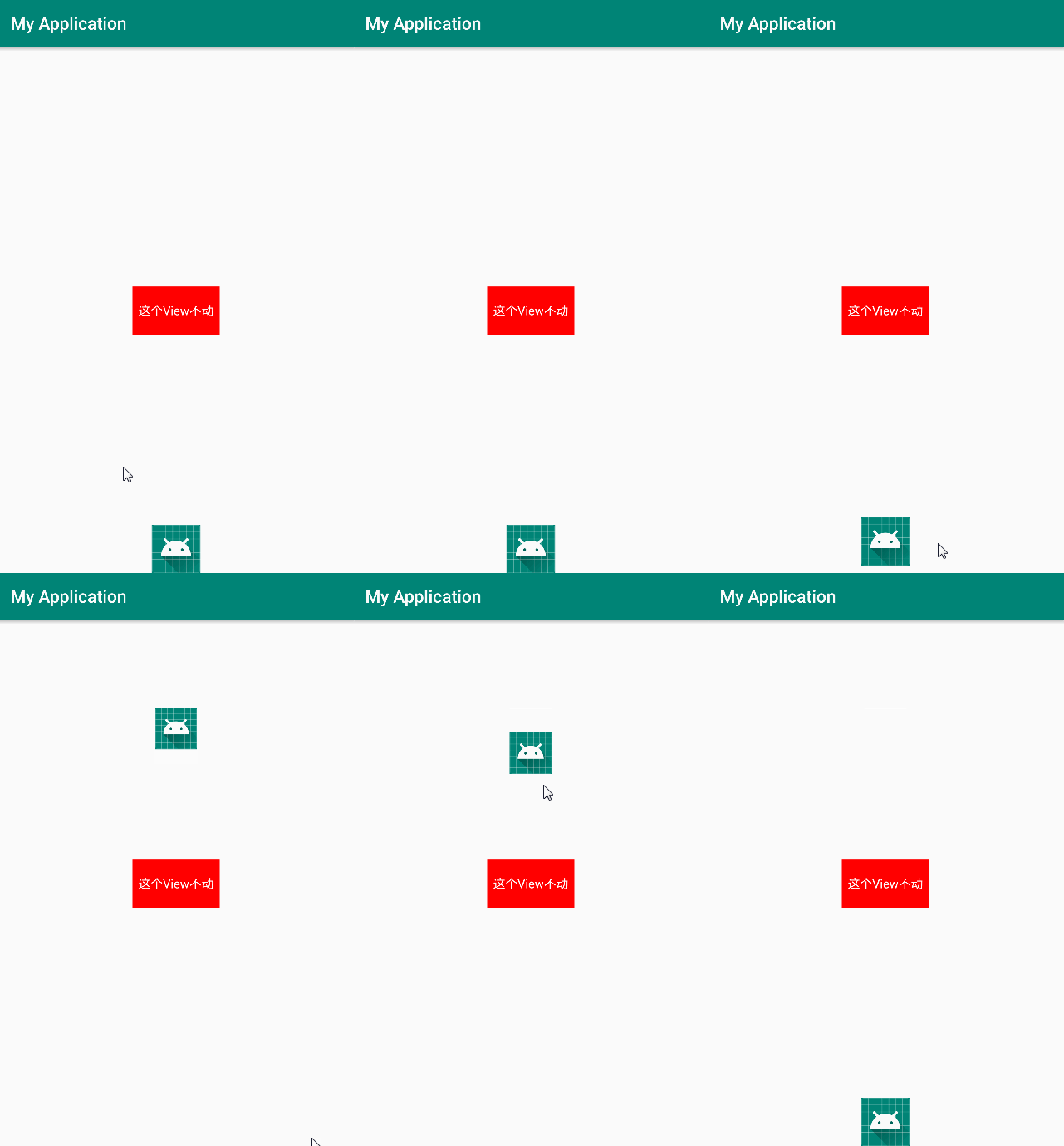
MotionLayout 是 ConstraintLayout 2.0 版本引入进来的,目前还在测试版本中,但感觉还挺有意思的,就写一篇记录一下。
MotionLayout 类继承自 ConstraintLayout 类,允许你为各种状态之间的布局设置过渡动画。由于 MotionLayout 继承了 ConstraintLayout,因此可以直接在 XML 布局文件中使用 MotionLayout 替换 ConstraintLayout。MotionLayout 是完全声明式的,你可以完全在 XML 文件中描述一个复杂的过渡动画而无需任何代码。
MotionLayout 与 ConstraintLayout 不同的是 MotionLayout 需要链接到一个 MotionScene 文件。使用 MotionLayout 的 app:layoutDescription 属性将 MotionLayout 链接到一个 MotionScene 文件。另外,
MotionLayout 所有的直接子 View 需要指定 id
,不然会报错:
1
|
All children of ConstraintLayout must have ids to use ConstraintSet.
|
起始状态:
1
2
3
4
5
6
7
8
9
10
11
12
13
14
15
16
17
18
19
20
21
22
23
24
25
26
27
28
29
30
31
32
33
34
|
<android.support.constraint.motion.MotionLayout
        xmlns:android="http://schemas.android.com/apk/res/android"
        xmlns:app="http://schemas.android.com/apk/res-auto"
        android:layout_width="match_parent"
        android:layout_height="match_parent"
        android:id="@+id/motionLayout"
        app:layoutDescription="@xml/activity_main_motion_scene">

    <TextView
            android:id="@+id/button"
            android:layout_width="100dp"
            android:layout_height="56dp"
            android:text="这个View不动"
            android:textColor="#fff"
            android:gravity="center"
            android:background="#f00"
            app:layout_constraintLeft_toLeftOf="parent"
            app:layout_constraintRight_toRightOf="parent"
            app:layout_constraintTop_toTopOf="parent"
            app:layout_constraintBottom_toBottomOf="parent"/>

    <ImageView
            android:id="@+id/image"
            android:layout_width="56dp"
            android:layout_height="56dp"
            android:src="@mipmap/ic_launcher"
            android:background="@color/colorPrimary"
            app:layout_constraintBottom_toBottomOf="parent"
            app:layout_constraintLeft_toLeftOf="parent"
            app:layout_constraintRight_toRightOf="parent"
            app:layout_constraintTop_toTopOf="parent"
            app:layout_constraintVertical_bias="1"/>

</android.support.constraint.motion.MotionLayout>
|
结束状态:
1
2
3
4
5
6
7
8
9
10
11
12
13
14
15
16
17
18
|
<android.support.constraint.motion.MotionLayout
        xmlns:android="http://schemas.android.com/apk/res/android"
        xmlns:app="http://schemas.android.com/apk/res-auto"
        android:id="@+id/motionLayout"
        android:layout_width="match_parent"
        android:layout_height="match_parent"
        app:layoutDescription="@xml/activity_main_motion_scene">

    <ImageView
            android:id="@+id/image"
            android:layout_width="48dp"
            android:layout_height="48dp"
            app:layout_constraintLeft_toLeftOf="parent"
            app:layout_constraintRight_toRightOf="parent"
            android:layout_marginTop="100dp"
            app:layout_constraintTop_toTopOf="parent"/>

</android.support.constraint.motion.MotionLayout>
|
MotionScene:文件名 activity_main_motion_scene.xml,存放在 res/xml 目录下。
1
2
3
4
5
6
7
8
9
10
11
12
13
14
15
16
|
<?xml version="1.0" encoding="utf-8"?>
<MotionScene xmlns:android="http://schemas.android.com/apk/res/android"
    xmlns:app="http://schemas.android.com/apk/res-auto">

    <Transition
        app:constraintSetStart="@layout/activity_main_scene1"
        app:constraintSetEnd="@layout/activity_main_scene2"
        app:duration="1000">

        <OnClick
            app:clickAction="toggle"
            app:targetId="@id/image" />

    </Transition>

</MotionScene>
|
看下效果:
1
|
motionLayout.transitionToStart()
|
1
2
3
4
5
6
7
8
9
10
11
12
13
14
15
16
17
18
19
20
21
22
23
24
25
26
27
28
29
30
31
32
33
34
35
36
37
38
39
40
41
42
43
44
45
46
47
48
49
|
<MotionScene xmlns:app="http://schemas.android.com/apk/res-auto"
xmlns:android="http://schemas.android.com/apk/res/android">
<ConstraintSet android:id="@+id/activity_main_start">
<Constraint
android:id="@id/image"
android:layout_width="56dp"
android:layout_height="56dp"
app:layout_constraintBottom_toBottomOf="parent"
app:layout_constraintLeft_toLeftOf="parent"
app:layout_constraintRight_toRightOf="parent"
app:layout_constraintTop_toTopOf="parent"
app:layout_constraintVertical_bias="1.0"/>
</ConstraintSet>
<ConstraintSet android:id="@+id/activity_main_end">
<Constraint
android:id="@id/image"
android:layout_width="80dp"
android:layout_height="80dp"
app:layout_constraintBottom_toBottomOf="parent"
app:layout_constraintLeft_toLeftOf="parent"
app:layout_constraintRight_toRightOf="parent"
app:layout_constraintTop_toTopOf="parent"
app:layout_constraintVertical_bias="0.0"/>
</ConstraintSet>
<Transition
app:constraintSetStart="@id/activity_main_start"
app:constraintSetEnd="@id/activity_main_end"
app:duration="1000">
<OnClick
app:clickAction="toggle"
app:targetId="@id/image"/>
</Transition>
</MotionScene>
|